OFFICIAL BFL MEDIALAUNCH FILM ↗
Black Forest Labs
FLUX 3 AI
Image & Video
Generator
Black Forest Labs' new multimodal direction brings image, video and world understanding into one creative workflow. Create images, edit references and turn ideas into motion with 10 starter Credits.
10 Free Credits2 Credits / image4s Free video10s Studio video
CREATE NOWREAL OUTPUT · SAVED ASSETS
01 / ONE FLUX 3 WORKSPACE
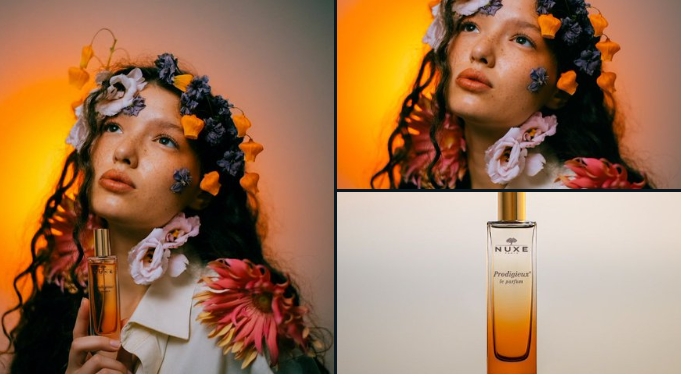 Portrait to product
The FLUX 3 AI image generator and FLUX 3 AI video generator now share one live homepage workspace. Start free, see the exact Credit cost before you run, track every generation and keep your latest results ready to download or refine.
02 / IMAGE + VIDEO GALLERY
More ways to
make with FLUX 3.
Explore FLUX 3 image studies, product edits, restored memories and cinematic motion in one mixed gallery. These visual references show the range a precise prompt, a strong reference and a clear output format can unlock.
Motion study01
Camera at full speed
Text to video · action
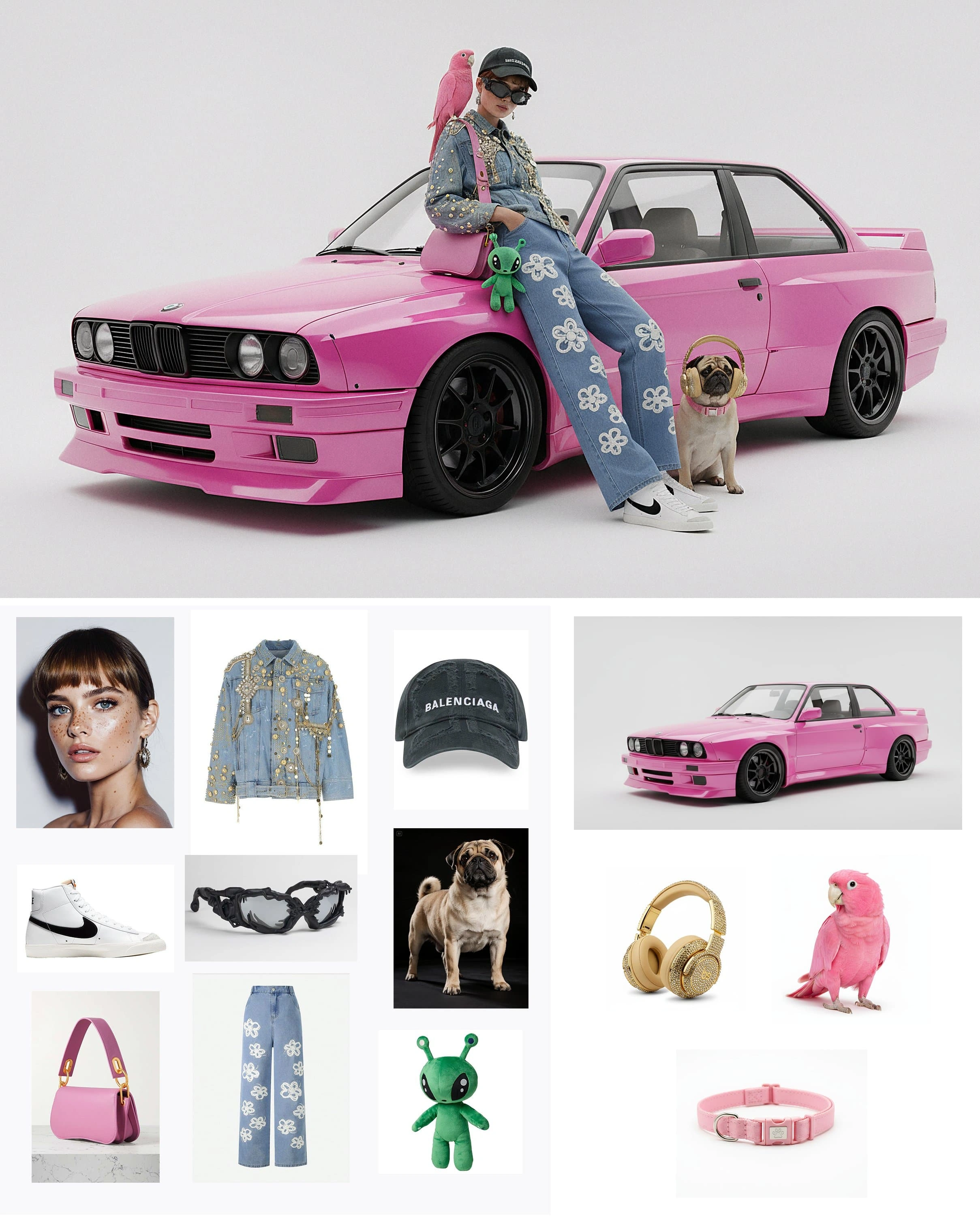
Image study02
One direction, many assets
Reference-led image creation
World study03
Scale the impossible
Cinematic environment
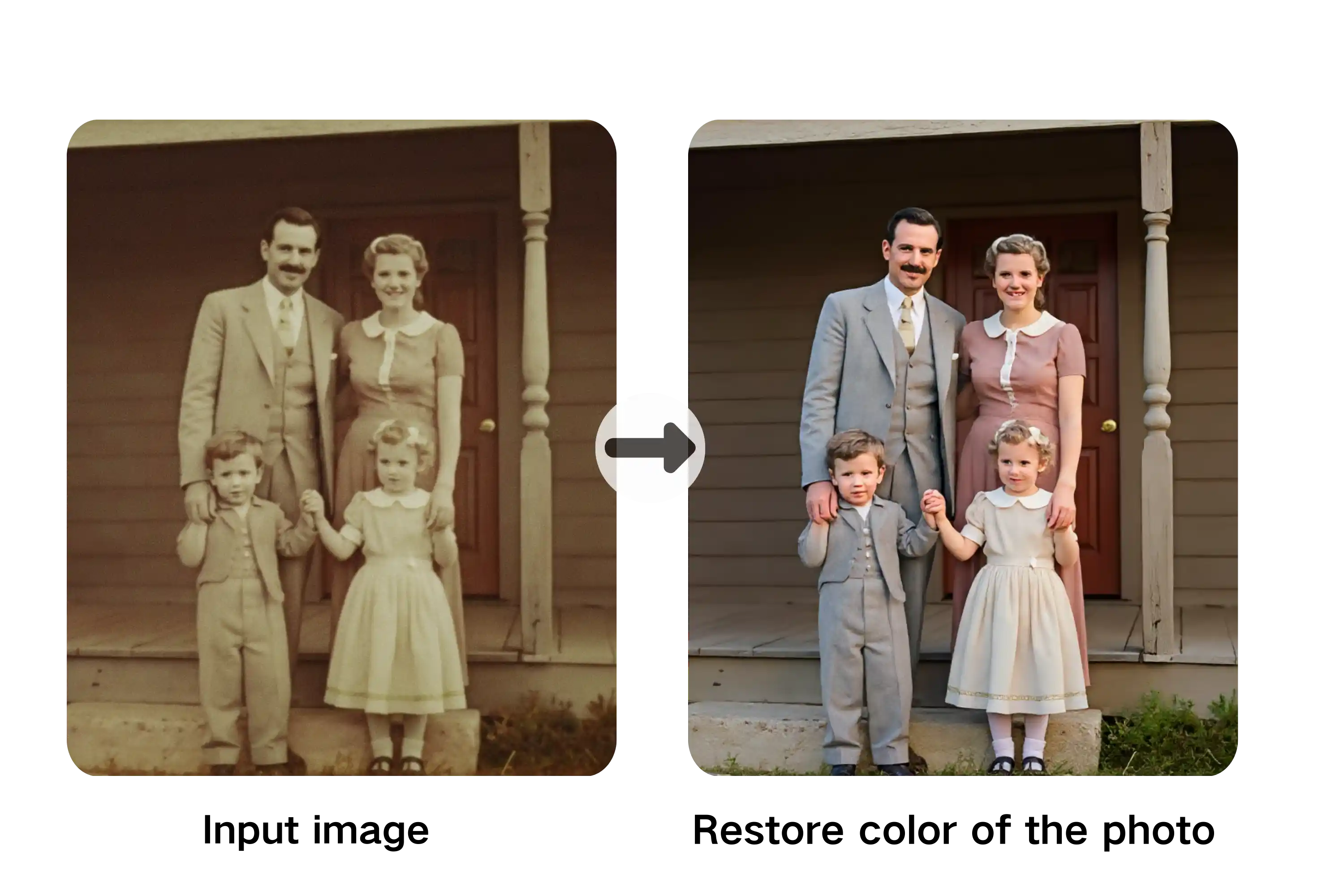
Edit study04
Restore and reimagine
FLUX 3 image editing
Illustrative result05
A scene becomes motion
Video result reference
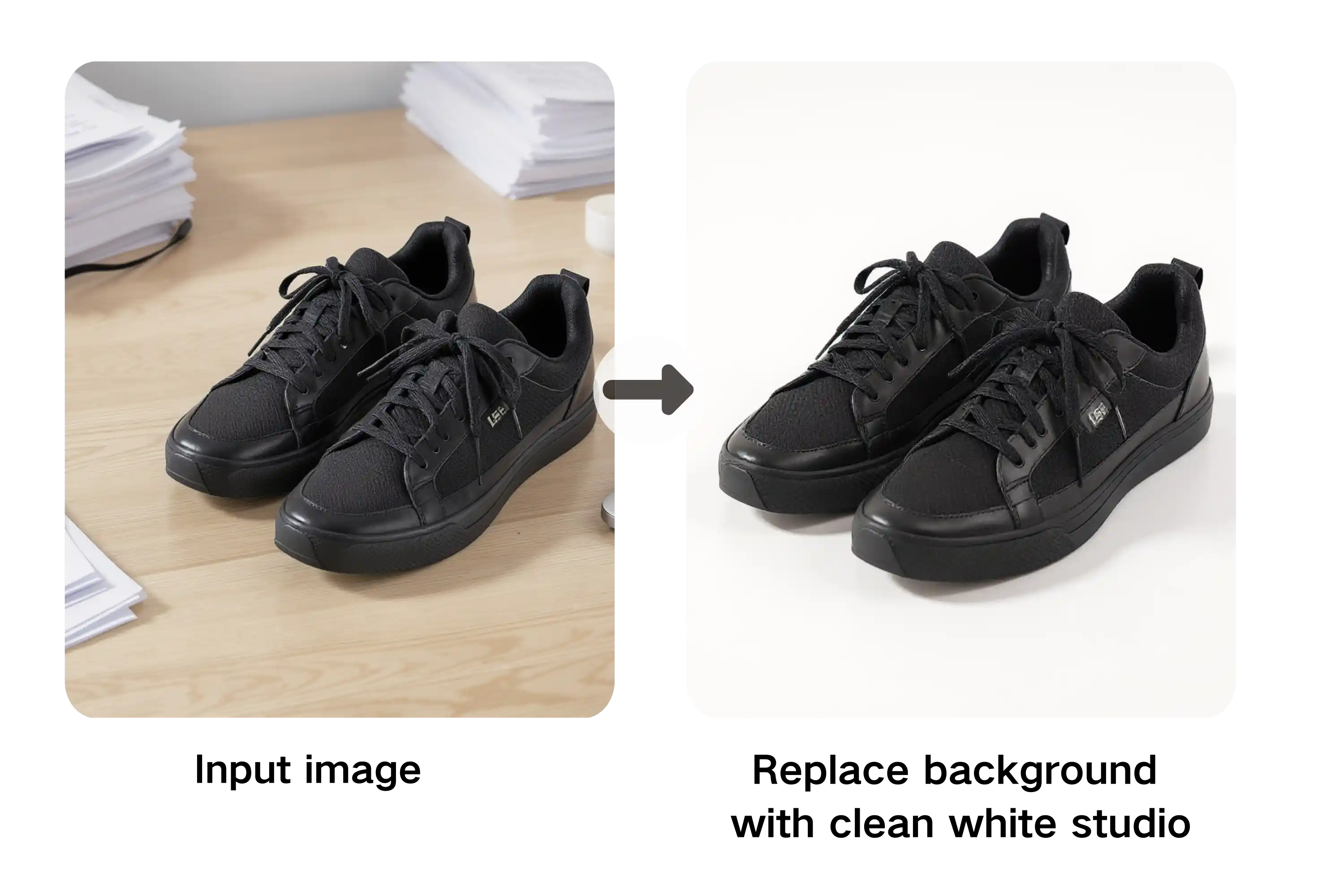
Commerce study06
Clean product presentation
Background and product edit
03 / REAL WORKFLOWS
What the FLUX 3
generator can do.
Move from prompt to image, from reference to edit, or from an idea to 4–10 seconds of video. Every run shows its exact Credit cost before submission.

01
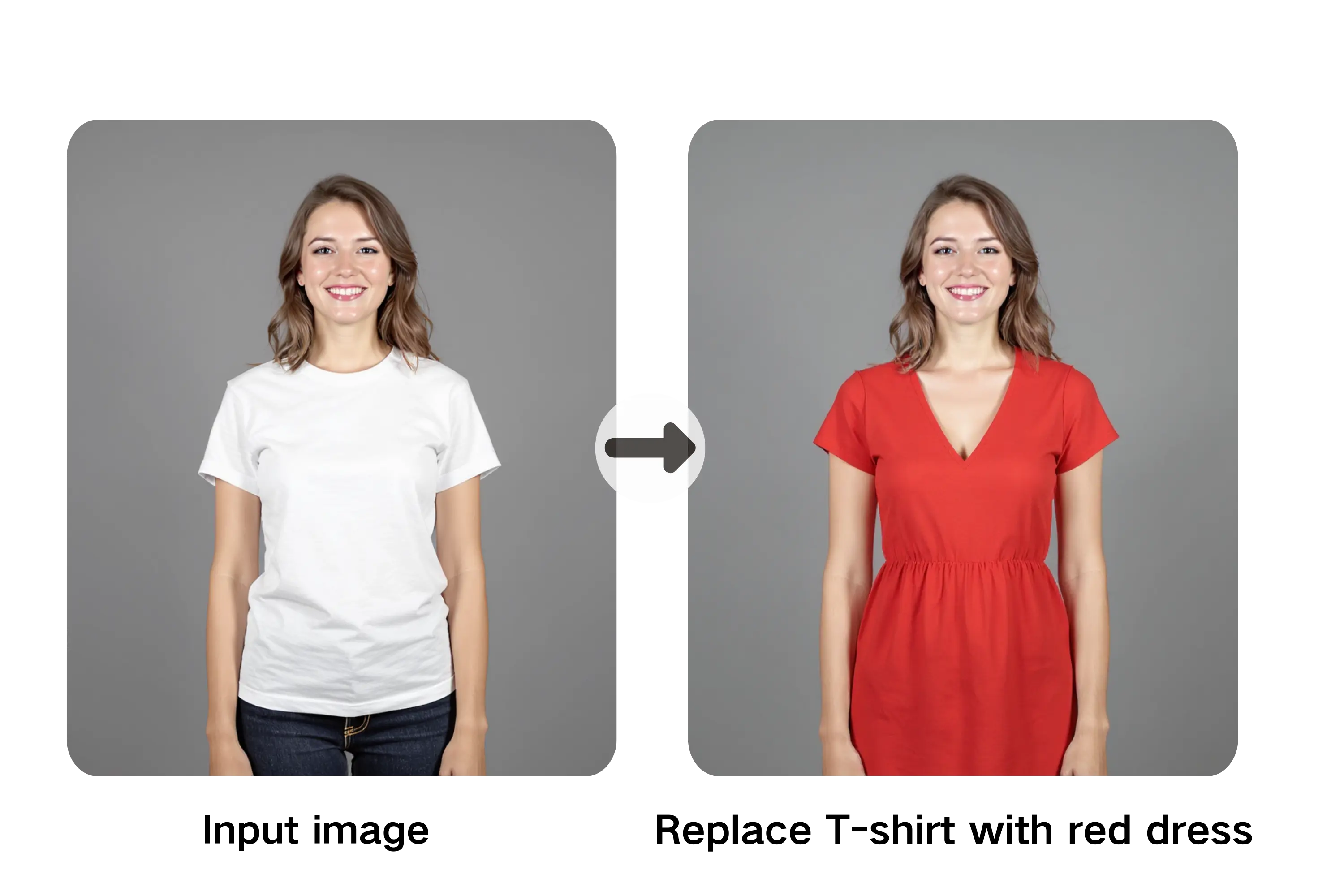
FLUX 3 text to image
Create a controlled still from a detailed prompt for 2 Credits, with PNG, JPEG or WebP output.
↗
02
FLUX 3 image editing
Use a reference image to preserve the subject and visual direction while changing the scene, format or presentation.
↗
03
FLUX 3 text to video
Turn an idea into motion with selectable aspect ratio and plan-based 4, 6, 8 or 10-second duration.
↗
04
FLUX 3 image to video
Start from a still image and describe the movement, atmosphere and camera direction you want.
↗
05
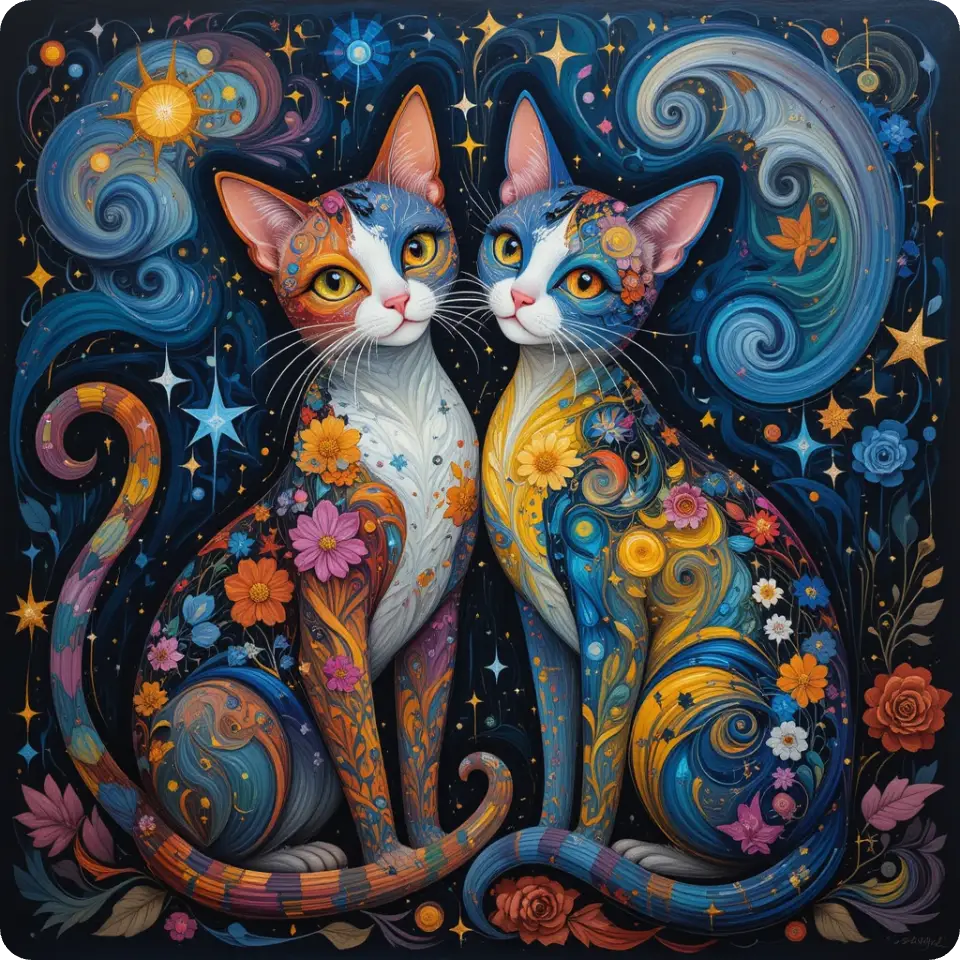
Generation history
Return to recent FLUX 3 jobs, inspect their status and reopen completed image or video output.
↗
06
Failure-safe Credits
Credits are reserved at submission and automatically refunded when a provider job fails.
↗04 / MADE TO SHIP
Why creators use the FLUX 3 workspace.
Move an isolated idea toward a campaign, sequence or product story. The FLUX 3 image generator and FLUX 3 video generator keep the creative brief, cost and output path visible in one place.
Turn a strong frame into a moving scene.
Create cinematic starting frames, preserve the visual direction and continue them as short motion sequences with deliberate camera movement and atmosphere. FLUX 3 text-to-image helps establish the shot, while FLUX 3 image-to-video carries that frame into motion. Explore pacing, lens language and scene energy before moving into a larger production workflow.
Move from campaign reference to motion asset.
Use a product or campaign reference to explore new visual variants and short video concepts without rebuilding the creative direction for each format. FLUX 3 editing can reshape the presentation while keeping the product recognizable, and FLUX 3 video can extend the selected direction into launch clips, social motion or an early campaign concept.
Keep the same visual idea across formats.
Carry the subject, composition and atmosphere across landscape visuals, vertical motion and square creative while keeping the output path visible in one workspace. Start with a FLUX 3 prompt or reference, compare multiple directions, then use FLUX 3 to continue the strongest result as motion. The same workflow supports characters, environments and visual storytelling.
Give your next campaign, film or product story one connected creative direction. Google sign-in unlocks 10 starter Credits with no card, so you can test multiple image workflows before choosing a plan.
Start free with 10 Credits05 / HOW IT WORKS
How to create
with FLUX 3.
Describe what should happen
Write the subject, setting, camera, movement, light and sound in natural language.
Add visual memory
Attach a reference image to guide image editing or establish the starting frame for video.
Choose the output
Switch between still image and video, then set aspect, duration and resolution.
Generate, continue, refine
Create live FLUX 3 images and videos today, with each result tracked in your recent assets.
CREATE NOW · NO CARD REQUIRED
Make your first
FLUX 3 result.
Sign in with Google for 10 starter Credits. Generate up to 5 base images, then download the result or return to edit again.
06 / FAQ
Before you
press run.
Clear answers about the live FLUX 3 generator, starter Credits, references and media processing.
What is the FLUX 3 generator?+
The FLUX 3 generator combines prompt-based images, reference-led edits, text-to-video and image-to-video in one homepage experience.
What can I generate today?+
Sign in with Google to receive 10 starter Credits—enough for up to 5 base images or several image edits.
Does live video generation include audio?+
Not yet. The current FLUX 3 video workflow creates silent MP4 video.
Can I use a reference image?+
Yes. Add a JPG, PNG or WebP image for FLUX 3 image editing or as the starting frame for FLUX 3 image-to-video. Reference video upload is not enabled in the current release.
Does the playground support image-to-video workflows?+
Yes. Choose Video, upload a starting image, describe the motion and camera direction, then generate with FLUX 3.
Are uploaded references or prompts processed?+
Yes. When you submit a live generation, your prompt and optional reference image are sent to fal.ai for processing. Media is configured with a one-year lifecycle. Do not upload confidential or rights-restricted material.
How much does generation cost?+
One Credit represents one cent of provider usage allowance. FLUX 3 text-to-image starts at 2 Credits, image editing at 3 Credits, and a default 4-second FLUX 3 video costs 32 Credits. Free accounts support 4 seconds; Pro, Plus and Studio unlock 6, 8 and 10 seconds respectively.
Can I use the FLUX 3 generator right now?+
Yes. FLUX 3 image and video generation is live in the homepage workspace. Google sign-in adds 10 starter Credits with no card required.